> For the complete documentation index, see [llms.txt](https://docs.allganize.ai/allganize-alli-works-userguide-en/llms.txt). Markdown versions of documentation pages are available by appending `.md` to page URLs; this page is available as [Markdown](https://docs.allganize.ai/allganize-alli-works-userguide-en/manage-suggested-questions-per-app.md).
# Manage suggested questions per app
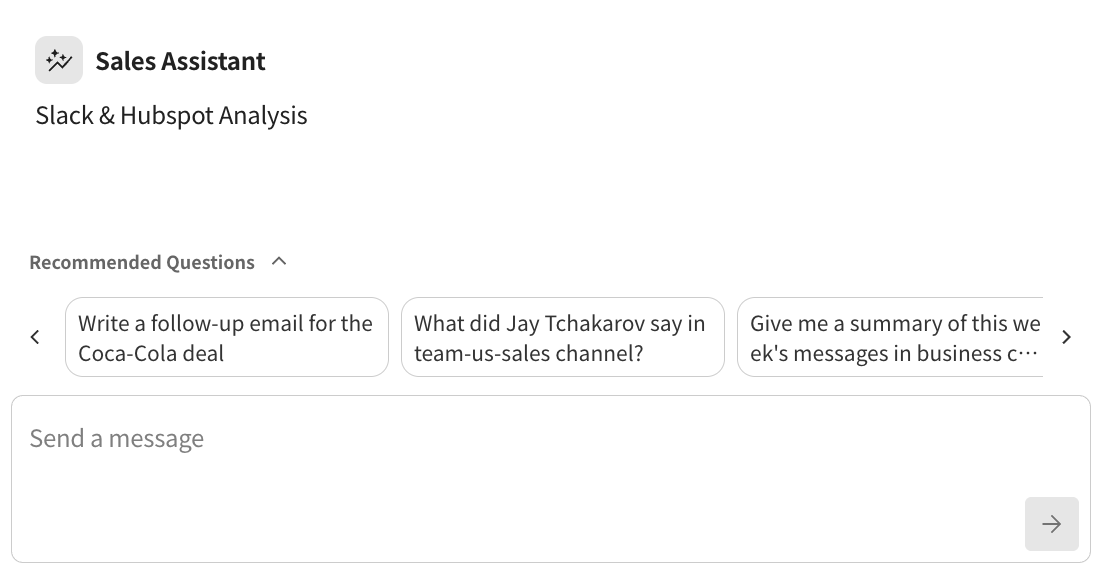
* **Recommended Questions Settings**
* You can set and manage recommended questions for each app.
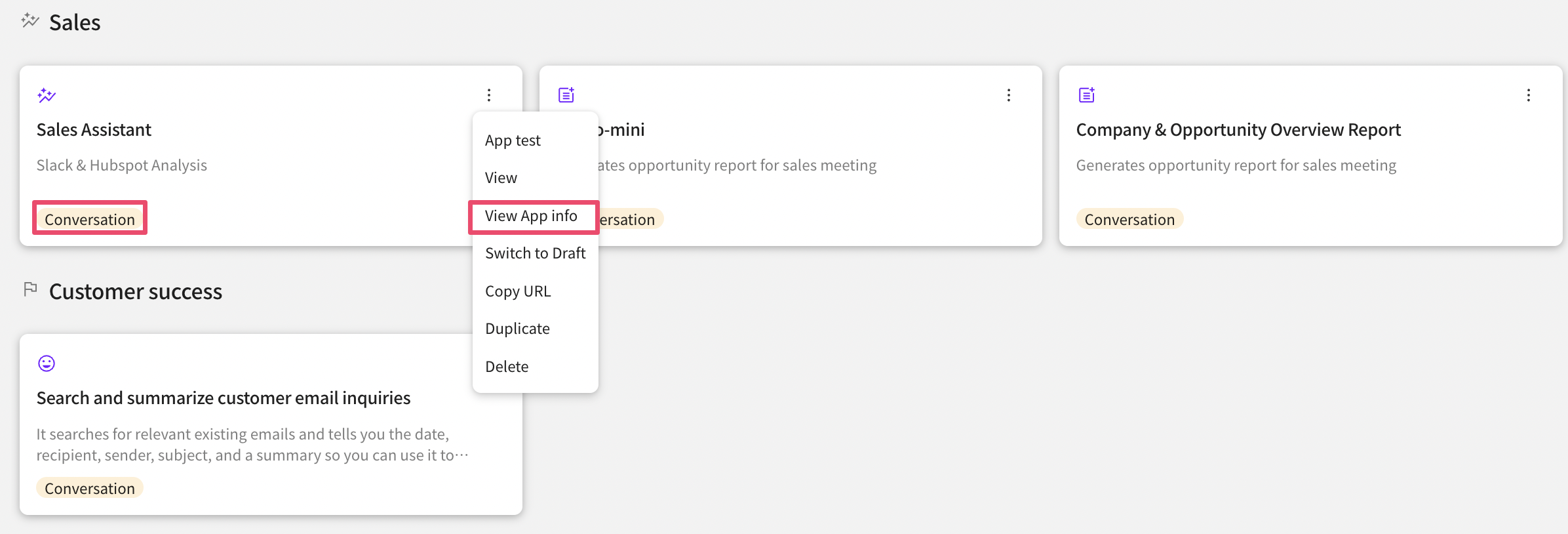
* Recommended questions can only be registered for conversational apps.
**How to register recommended questions**
* First, click the 'Edit App Info' button on the app management screen.
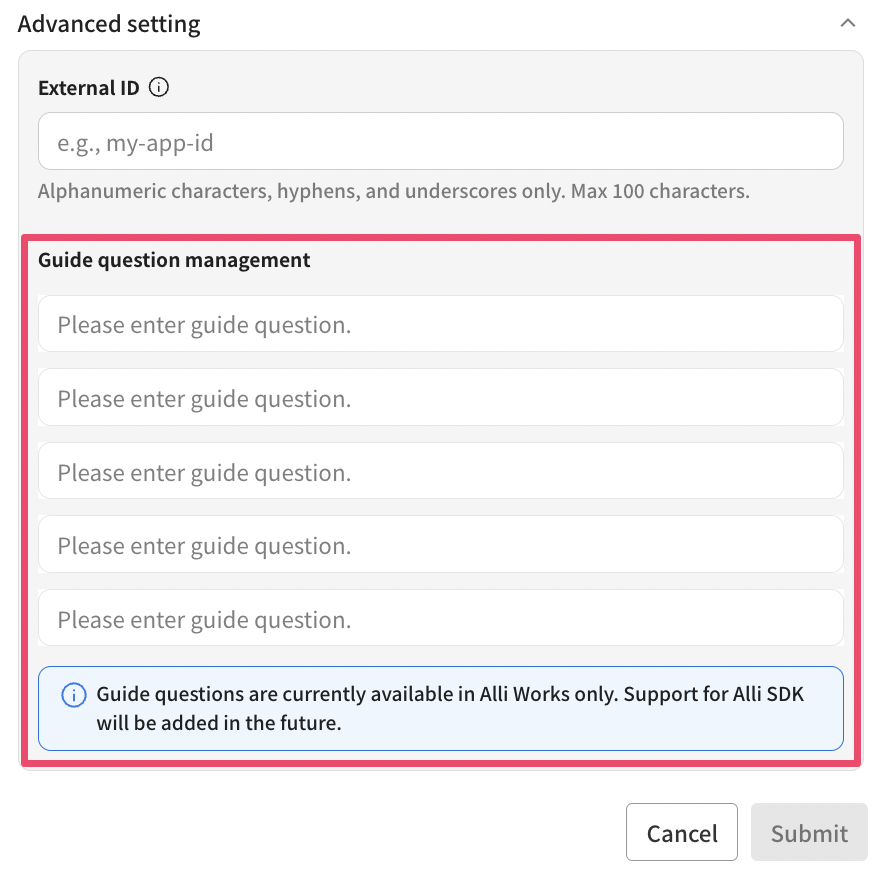
* Then register the questions you want to display in the recommended question management.
* You can register up to 5 recommended questions per app.
Follow the above procedure to set up and manage recommended questions.