> For the complete documentation index, see [llms.txt](https://docs.allganize.ai/allganize-alli-works-userguide-en/llms.txt). Markdown versions of documentation pages are available by appending `.md` to page URLs; this page is available as [Markdown](https://docs.allganize.ai/allganize-alli-works-userguide-en/message.md).
# Message
**Using frequently used messages**
Agents can use pre-saved messages when they need to communicate with users in real time. This feature is very useful when there are predetermined messages frequently used, such as official greetings.
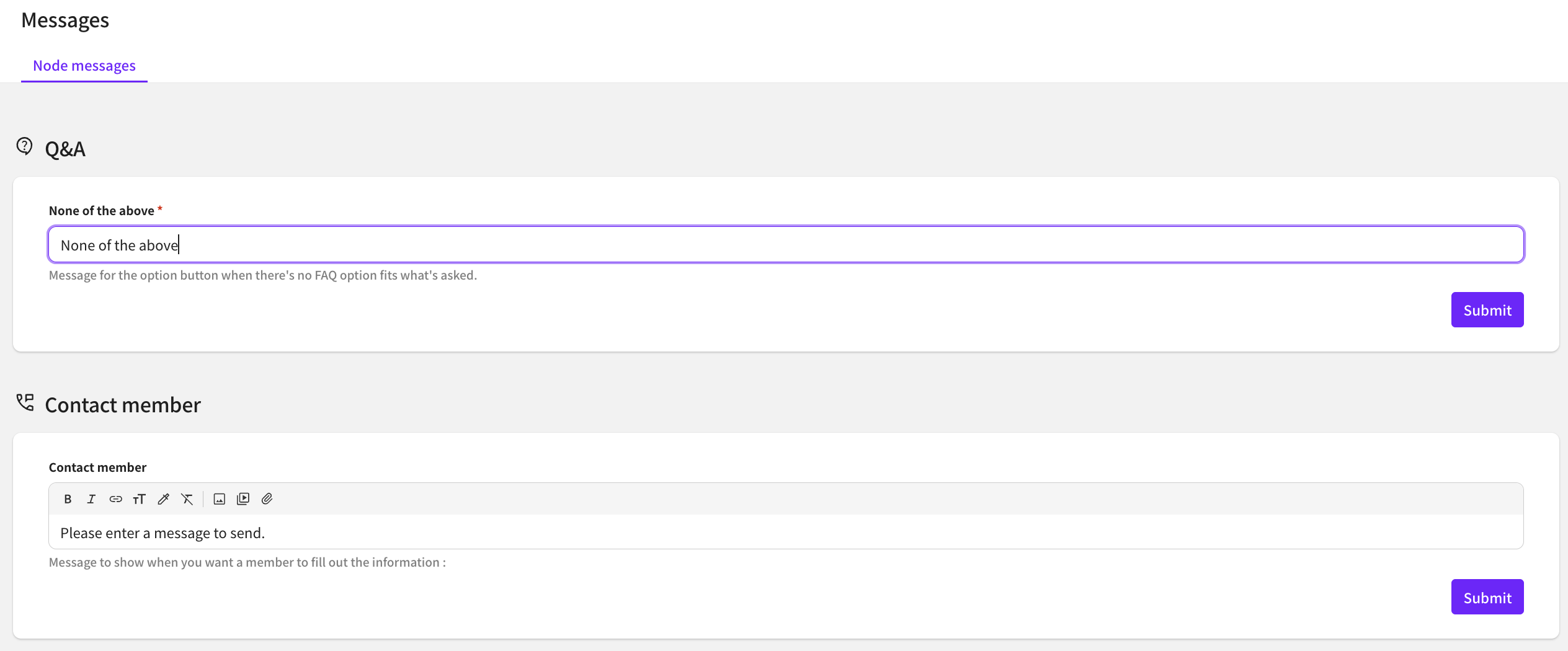
To save frequently used messages, go to Settings > Messages > Frequently Used Messages.
Press the '+ Add' button to register a new message. You can also insert links, images, and videos.
Saved messages can be accessed from the usage history menu.
Within the usage history, select the desired conversation and then click the 'Search Recommended Replies' tab.
Under 'Frequently Used Messages' you can view the list of saved messages.
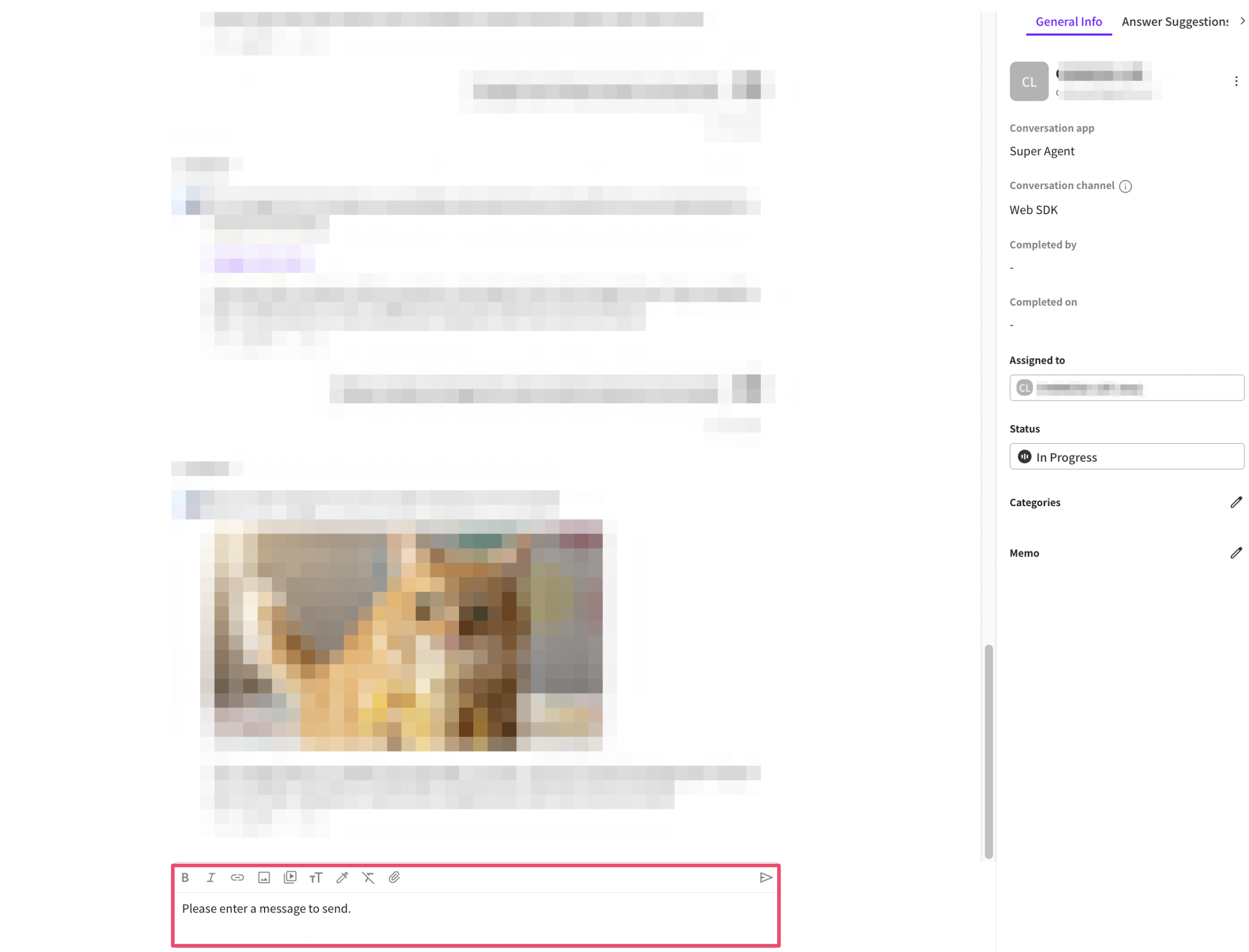
Click the 'Use Reply' button to paste the message into the message input field.
You can edit the message before sending.