> For the complete documentation index, see [llms.txt](https://docs.allganize.ai/nlu-api-dashboard/llms.txt). Markdown versions of documentation pages are available by appending `.md` to page URLs; this page is available as [Markdown](https://docs.allganize.ai/nlu-api-dashboard/settings.md).
# Settings
Get to know how to set the NLU API project
There are sub-tab menus on the Setting page.
## General
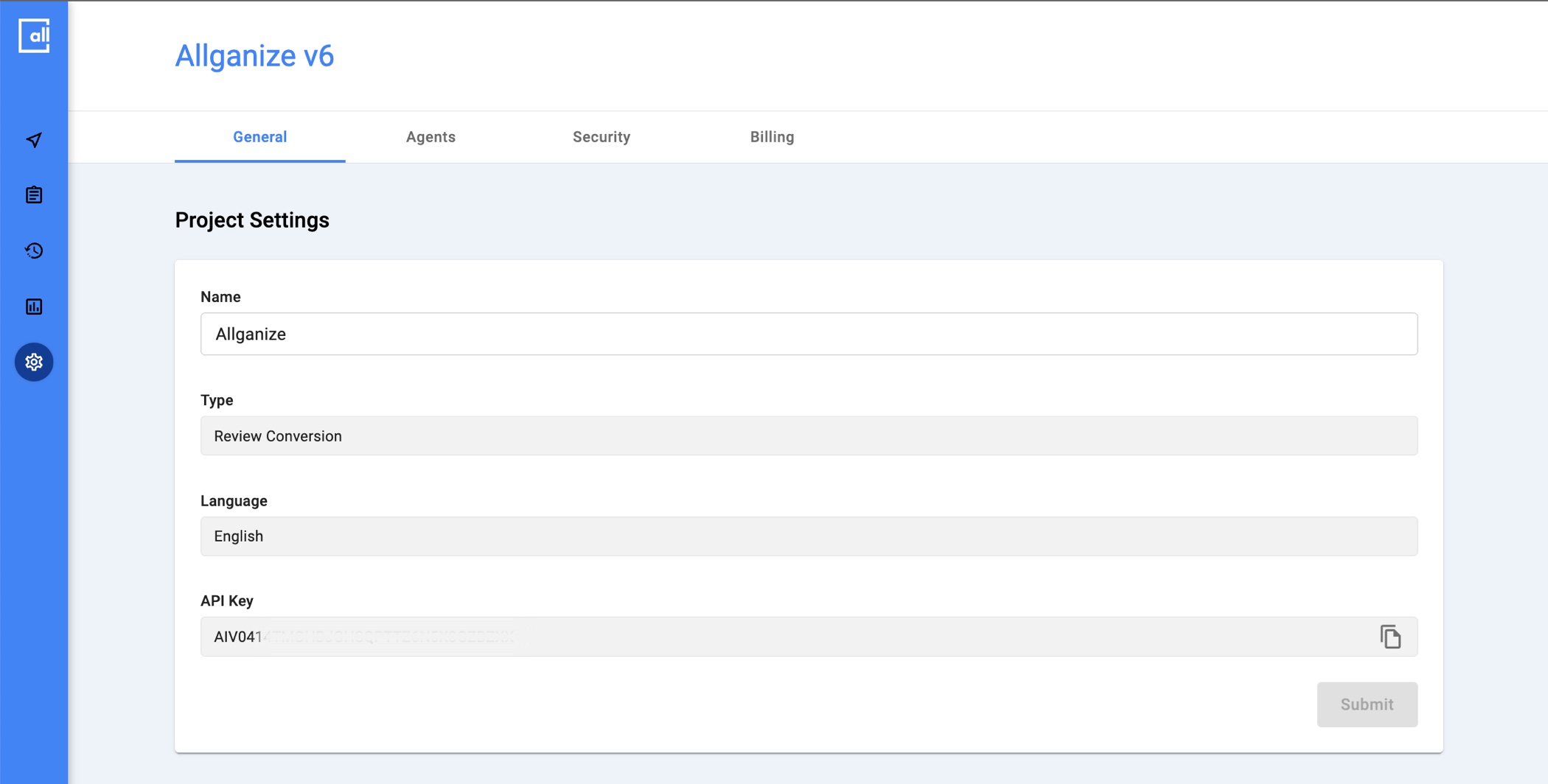
In General tab, you can change the project name, check the API integrated, the project language and API key.
GNB > Settings > General tab
## Agents
In Agents tab, you can check which activities have been carried out in your project by downloading the log file (.xlsx).
{% hint style="info" %}
We only support activity logs for the last 90 days, including today.
{% endhint %}
## Security
In the Security tab, you can access the account's dashboard and register and manage available IPs.
{% hint style="warning" %}
If no IP is registered, all IPs accessing the account are available.
{% endhint %}
## Billing
In the Billing tab, you can check the product plan in use for the account and usage by date (API Calls, Training Phrases).